
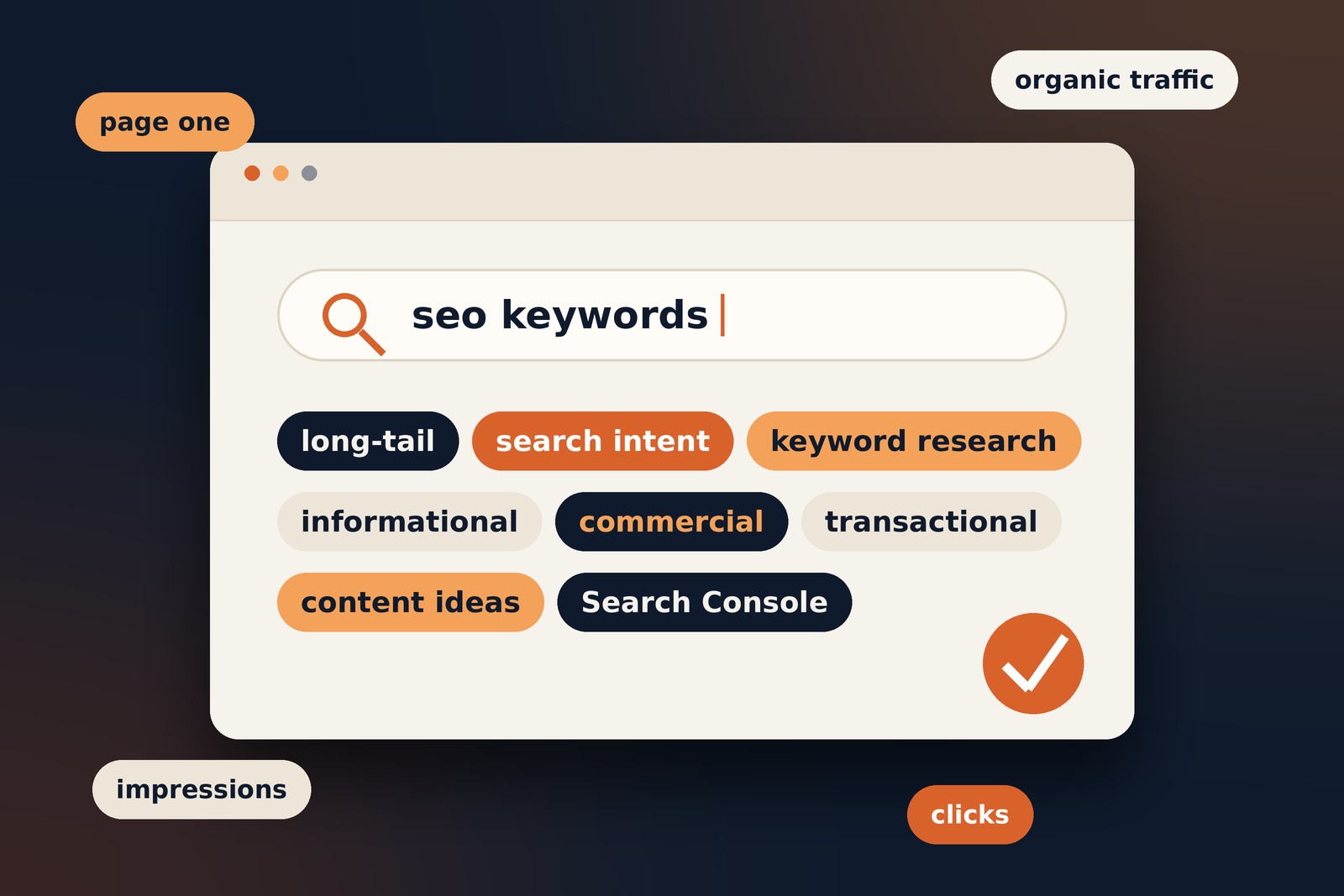
SEO Basics · Practical Guide
What Are SEO Keywords?
A straightforward guide to finding the words people search for, understanding what they want, and using those terms naturally on your website.
A practical guide · 10–12 min read
SEO keywords are one of the starting points for improving a website’s visibility in search engines. They help you understand how people describe a problem, compare options, or look for a service.
The goal isn’t to repeat a phrase as many times as possible. It’s to understand what a searcher needs and create a useful page that meets that need.
What are SEO keywords?
In simple terms
SEO keywords are words and phrases people type into search engines to find information, products, services or answers. Website owners use keyword research to understand those searches and create relevant content.
A keyword can be a single word, such as “accounting”, or a longer phrase, such as “how to learn accounting online”. In practice, longer and more specific searches often reveal more about what the person wants.
Example search
best accounting software for a small business
This suggests the searcher is comparing options, not simply looking for a definition of accounting software.
Why do keywords matter for SEO?
Keyword research gives you evidence about the language people use and the questions they ask. It can help you decide which pages to create, what each page should cover, and how to organise related content.
- Understand your audience: see how people describe their needs.
- Plan useful content: identify questions and topics worth covering.
- Improve relevance: make it easier for search engines and visitors to understand a page.
- Find gaps: spot useful topics your existing pages don’t answer well.
Keep in mind: using a keyword does not guarantee rankings. Search engines consider many signals, and the page still needs to be useful, accessible and relevant.
Common types of SEO keywords
People group keywords in different ways. These categories are useful for planning, but they are not rigid rules.
| Type | Example | What it can tell you |
|---|---|---|
| Short-tail | web design | A broad topic with several possible meanings |
| Long-tail | web design for a small restaurant | A more specific need or audience |
| Informational | how does SEO work | The person wants to learn |
| Commercial | best SEO tools for freelancers | The person is comparing options |
| Transactional | hire an SEO consultant | The person may be ready to take action |
| Branded | Ahrefs keyword tool | The search includes a brand or product |
A keyword can fit more than one category. For example, a long-tail keyword can also be informational or transactional.
Understand search intent
Search intent is the likely reason behind a search. Matching it is often more useful than trying to force a phrase into a page that doesn’t fit.
Four common intent patterns
- Informational: the person wants to understand something.
- Navigational: the person is looking for a particular website or page.
- Commercial investigation: the person is researching or comparing choices.
- Transactional: the person wants to buy, book, download or otherwise act.
One practical way to investigate intent is to search the phrase yourself and review the pages that appear. Look at the content format, depth and angle. Treat this as research, not a formula to copy.
How to do keyword research
Keyword research works best when it starts with your audience and the purpose of the website, rather than a list of high-volume phrases.
- Start with your topics.
List the services, products, questions and problems your audience cares about. - Collect real search phrases.
Use autocomplete, related searches, customer questions and keyword tools to expand your list. - Check intent and relevance.
Decide what the searcher likely expects to find and whether your site can provide it. - Compare demand and competition.
Search volume can help, but consider relevance, difficulty and the strength of the current results too. - Map keywords to pages.
Give each important page a clear purpose. Group closely related phrases when one useful page can answer them together. - Prioritise and publish.
Start with realistic opportunities, create genuinely helpful content and improve it as you learn.
Tip: don’t pick a keyword just because a tool shows a large search volume. A smaller, more relevant search may be more valuable to your site.
Tools for keyword research
You don’t need to subscribe to every SEO platform. Start with the tools that answer your current questions.
- Google Keyword Planner can help explore keyword ideas and estimated search demand.
- Google Search Console shows queries that have already led people to your site in Google Search.
- Ubersuggest provides keyword ideas and other SEO research features.
- Ahrefs Keyword Generator offers keyword ideas for research.
- Semrush includes keyword research and competitive analysis tools.
Each tool uses its own data and estimates. Treat the numbers as directional rather than exact measurements of all searches.
How to use keywords on a page
Use the main phrase where it helps readers understand the page, then write naturally. There is no ideal keyword density that every page needs to meet.
- Title tag: describe the page clearly and make the title useful in search results.
- Main heading: tell visitors what the page is about.
- Opening paragraphs: introduce the topic naturally without delaying the answer.
- Subheadings: organise the questions and subtopics the page covers.
- URL: use a concise, readable slug where practical.
- Image alt text: describe meaningful images for accessibility; don’t cram keywords into decorative image descriptions.
- Internal links: use descriptive link text that makes sense to the reader.
Google’s own guidance explains the basics in the SEO Starter Guide.
Common keyword mistakes
Keyword stuffing
Repeating the same phrase unnaturally makes content harder to read and can fall under Google’s spam policies. Write for people first and remove repetition that adds no value. See Google’s spam policies.
Targeting a phrase that doesn’t fit
A keyword may have impressive numbers but still be wrong for your audience, offer or expertise. Relevance matters.
Creating competing pages
If several pages on your site target the same topic with the same purpose, they may compete for attention. Review whether the pages serve different needs, or whether combining and improving them would help.
Forgetting the reader
Keywords help you plan content; they don’t replace clear explanations, original experience or useful answers.
How to track keyword performance
Rankings are only one part of the picture. Use Google Search Console to review impressions, clicks, click-through rate and average position for relevant queries and pages. Compare trends over time, and remember that results vary by location, device and search context.
Also check whether organic visitors take meaningful next steps, such as reading another page, submitting an enquiry or making a purchase. The right measure depends on what the page is meant to achieve.
Do keywords still matter in AI search?
Search experiences are changing, but understanding the language and questions of your audience remains useful. Focus on clear, accurate content that answers real questions, demonstrates relevant experience and is easy to navigate.
Don’t treat AI search as a reason to publish pages filled with variations of the same phrase. Google’s guidance on AI features and your website is a useful starting point.
Frequently asked questions
There is no fixed number. Give the page one clear primary topic and include related phrases when they help answer the reader’s questions.
Not automatically. They are often more specific, which can make intent easier to understand, but the best choice depends on relevance and your goals.
Keyword density is the proportion of a page’s words made up by a particular phrase. It is not a target you need to hit. Prioritise natural, useful writing.
LSI stands for Latent Semantic Indexing, an information-retrieval concept. “LSI keywords” is commonly used in SEO marketing, but it is not a special list of terms you must add to rank. Cover related concepts naturally when they help readers.
Quick keyword checklist
Before publishing, use this short checklist to make sure the page is focused on a real audience need.
- The page answers a clear question or need.
- The target phrase is relevant to the page.
- Search intent matches the content format.
- The title and main heading describe the topic clearly.
- Related terms are used naturally, without repetition.
- Internal and external links help readers.
- The page is easy to read on mobile.
- I have a plan to review performance after publication.
Where to start
Choose a topic your audience cares about, research how people search for it, and build a page that answers their needs clearly. Use keyword data to guide your decisions, then improve the page using what you learn from real performance.
Leave a Reply