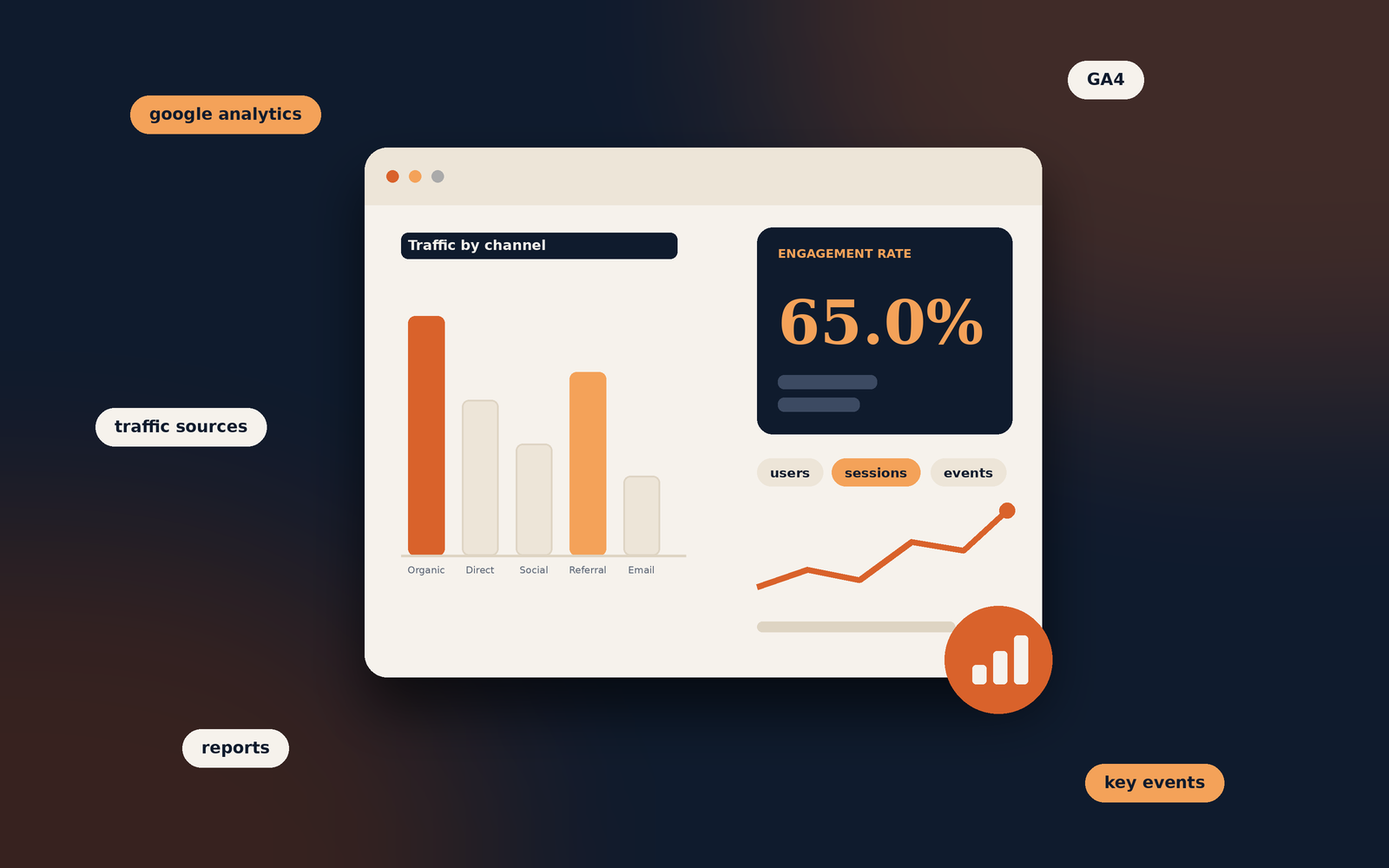
Google Analytics: A Practical Guide to Understanding Your Website

Digital Tools · Beginner's Guide

Google Analytics: A Practical Guide to Understanding Your Website

Learn what Google Analytics does, how GA4 collects website data, which reports matter and how to use the information to make better decisions.

Beginner friendly  ·  Website analytics  ·  GA4 focused

Keep in mind

Analytics reports describe activity recorded on your site. They do not automatically explain why a visitor behaved in a particular way.

What Is Google Analytics?

Google Analytics is a web analytics service that helps website owners understand how people find and use their websites. It collects and organises information about visits, interactions and important actions, making it easier to evaluate website performance.

For example, a blog owner can use Google Analytics to see how many people visited the site, which articles attracted visitors, whether people arrived through search engines or social media, and how visitors interacted with the content.

In simple terms

Google Analytics helps answer questions such as where your visitors come from, which pages they view, what they do on your website and whether they complete useful actions.

Understanding Google Analytics 4 (GA4)

Google Analytics 4, commonly called GA4, is the current generation of Google Analytics. It uses an event-based measurement model. Instead of relying mainly on traditional session and pageview reporting, GA4 records interactions as events.

An event can represent an action such as viewing a page, scrolling, clicking an outbound link, downloading a file or submitting a form. Some events are collected automatically, while others require configuration.

  • Event-based dataInteractions are recorded as events, giving you a more flexible way to measure activity.
  • Website and app insightsGA4 can bring website and app measurement together within one property.
  • Customisable reportingReports and explorations help answer questions specific to your business.
  • Key eventsImportant actions can be marked as key events to monitor meaningful outcomes.

How Does Google Analytics Work?

After GA4 is installed and configured, a measurement tag sends interaction data from your website to your Google Analytics property. GA4 processes this information and makes it available through reports and analysis tools.

  1. A visitor opens your websiteThe visitor arrives through a source such as organic search, a social network, a referral link or a direct visit.
  2. Interactions are recordedThe GA4 tag collects configured events, such as page views and other interactions.
  3. GA4 processes the informationCollected data is processed and organised within your Analytics property.
  4. You review reportsYou use reports and explorations to understand traffic, engagement and key actions.

The quality of your reports depends on correct implementation, event configuration, consent choices and the way your website is built.

What Can You Measure with Google Analytics?

Website traffic and acquisition

Acquisition reports help you understand how visitors reach your website. You can examine traffic sources and channels, including organic search, paid search, direct, referral, email and organic social traffic.

Pages and content performance

Page and screen reports can help identify which pages receive views and how people engage with them. This is useful for understanding which blog posts, landing pages or product pages attract attention.

Engagement and user activity

GA4 provides information about engaged sessions, engagement time and events. These measures can help you assess whether visitors are interacting with your website rather than simply arriving and leaving.

Devices and technology

Technology reports can show the devices, browsers and operating systems used by visitors. This can help identify usability issues, such as a page that performs poorly on mobile devices.

  • Traffic sources
  • Landing pages
  • Engagement
  • Events
  • Devices
  • Key events

Important Google Analytics Metrics

It is helpful to understand what a metric represents before using it to judge website performance. The following are common GA4 measurements.

MetricWhat it tells you
UsersThe number of distinct users identified in the selected reporting context.
SessionsPeriods of interaction with your website or app.
ViewsThe number of times pages or screens were viewed, including repeated views.
Engaged sessionsSessions that meet GA4's engagement criteria, such as lasting longer than 10 seconds, having a key event, or having at least two page or screen views.
Engagement rateThe percentage of sessions that were engaged sessions.
Event countThe total number of times events were triggered.
Key eventsEvents that you identify as important to your website or business objectives.

Try an engagement rate calculator

Enter your engaged sessions and total sessions to calculate the engagement rate.

Your engagement rate65.0%650 engaged sessions out of 1,000 total sessions.

This calculator uses the figures you enter. It does not connect to your analytics account.

Why Is Google Analytics Important for SEO?

Google Analytics can help SEO professionals understand what happens after visitors arrive from organic search. It does not provide a complete picture of keyword rankings or search visibility, but it can reveal how organic visitors interact with a website.

Evaluate organic search traffic

You can review organic search as a traffic channel and monitor how its volume and engagement change over time. Comparisons can help identify pages or periods that deserve further investigation.

Understand landing page performance

Landing page analysis helps you see which pages receive organic visits and whether those visits lead to meaningful engagement or key events.

Measure outcomes

For a business website, useful outcomes might include enquiry submissions, purchases, account registrations or brochure downloads. Correctly configured events help connect website activity with these objectives.

SEO tip

Use Google Analytics alongside Google Search Console. Analytics helps you understand on-site behaviour, while Search Console provides information about how your website performs in Google Search.

How to Set Up Google Analytics

To begin collecting website data, you need a Google Analytics account and a GA4 property. The exact steps can vary depending on your website platform and tag-management setup.

  1. Create or access a Google Analytics accountSign in with your Google account and open Google Analytics.
  2. Create a GA4 propertyEnter the property details, including its name, reporting time zone and currency.
  3. Set up a web data streamAdd your website address and configure the web stream.
  4. Install the Google tagUse the installation method suitable for your website, such as a direct tag installation or Google Tag Manager.
  5. Verify data collectionUse Realtime reports and debugging tools to check whether activity is being received.
  6. Configure important eventsReview the actions that matter to your website and configure or mark relevant events as key events.

Remember to configure consent and privacy practices appropriately for the regions in which your website operates. Avoid collecting personal information in Analytics fields where it is not permitted.

Google Analytics vs Google Search Console

Google Analytics and Google Search Console are both useful for website analysis, but they answer different questions. They are most valuable when used together.

Google Analytics 4Google Search Console
Measures activity and interactions on your website or app.Reports how your site performs in Google Search.
Shows acquisition channels and on-site engagement.Shows search queries, impressions, clicks and average positions.
Helps evaluate landing pages and configured key events.Helps identify indexing, crawling and search appearance issues.
Useful for understanding what visitors do after arriving.Useful for understanding how people discover your pages through Google Search.

Common Google Analytics Mistakes to Avoid

Installing the tag incorrectly

Duplicate or missing tags can lead to inaccurate data. Check your installation and test key events before relying on reports.

Focusing only on traffic volume

A rise in users does not automatically mean that a website is performing better. Consider engagement and meaningful outcomes as well.

Ignoring tracking configuration

Important actions may not appear in reports unless they are tracked correctly. Review events and key events periodically.

Comparing data without context

Seasonality, marketing campaigns, consent settings, site changes and tracking differences can affect reported figures. Investigate changes instead of assuming a single cause.

Expecting Analytics to provide keyword rankings

GA4 is not a keyword rank-tracking tool. Use Search Console or a dedicated SEO platform for search queries and ranking analysis.

Frequently Asked Questions

Google Analytics offers a free version of GA4. Google also provides an enterprise offering with additional capabilities for organisations with more advanced requirements.

Google Analytics is designed to provide aggregated and pseudonymous measurement, not a list of visitors' real-world identities. Do not attempt to send personally identifiable information to Analytics.

No. GA4 can report organic search traffic, but it does not provide the full search-query and ranking data available in Google Search Console.

Realtime reports can show activity shortly after it is collected. Other reports may take longer to process, and some data can be delayed.

A user represents an individual identified by Analytics within its measurement system. A session is a period of interaction. One user can generate multiple sessions.

It is not a requirement for ranking in Google Search, but it is useful for understanding organic visitors' behaviour and measuring website outcomes. Search Console provides complementary search performance data.

Wrapping up

Make your website data useful. Google Analytics becomes more valuable when you begin with clear questions. Focus on the reports and events that help you understand your audience and improve the experience your website provides.

Keep improving your blog

Once your tracking is in place, read Blog Conversion Rate: What It Means and How to Improve It to learn how to measure and improve the actions readers take on your blog.

Tagged in

Categories

Written by

Keshera Wijeyesekera

I write Interesting to Read, a blog on all kinds of topics worth your time. Outside of the blog, I work in SEO and digital marketing.
More about me  ·  LinkedIn  ·  Get in touch

Blog Conversion Rate: What It Means and How to Improve It

Blogging and Content Strategy

Blog Conversion Rate: What It Means and How to Improve It

Learn how to measure the actions readers take after visiting your blog, understand what affects conversions and make practical improvements without compromising the reader experience.

Practical guide  ·  Includes a conversion calculator  ·  Measurement and optimisation tips

Keep the goal clear

A conversion is the action that matters to your blog or business. Decide what you want readers to do before trying to improve the rate.

A blog can attract thousands of visitors and still generate very few enquiries, subscriptions or sales. Traffic is useful, but it does not always show whether readers are taking the next step you want them to take. This is where the blog conversion rate becomes useful. It helps you understand how effectively your content encourages visitors to complete a specific action.

That action will depend on the purpose of your website. A personal blog might aim to gain email subscribers, while a business blog may be designed to generate enquiries, product sales or course registrations. The important point is to measure actions that support the purpose of the page.

What Is a Blog Conversion Rate?

A blog conversion rate is the percentage of visitors or sessions that complete a desired action after viewing or interacting with a blog page. The action is known as a conversion.

For example, if 1,000 people visit a blog post and 30 of them subscribe to an email newsletter, the conversion rate is 3% when calculated using visitors as the denominator.

In simple terms

Your blog conversion rate tells you how often readers take the action you are measuring. It is not necessarily a measure of how many people buy something.

Before measuring the rate, define what counts as a conversion. A newsletter subscription, contact form submission and completed purchase are different outcomes, so they should normally be tracked separately.

How Do You Calculate Blog Conversion Rate?

The basic calculation is straightforward. Divide the number of conversions by the number of visitors or sessions, then multiply the result by 100 to express it as a percentage.

Formula

Conversion rate = (Conversions ÷ Visitors) × 100

Use a consistent denominator when comparing results over time.

Example calculation

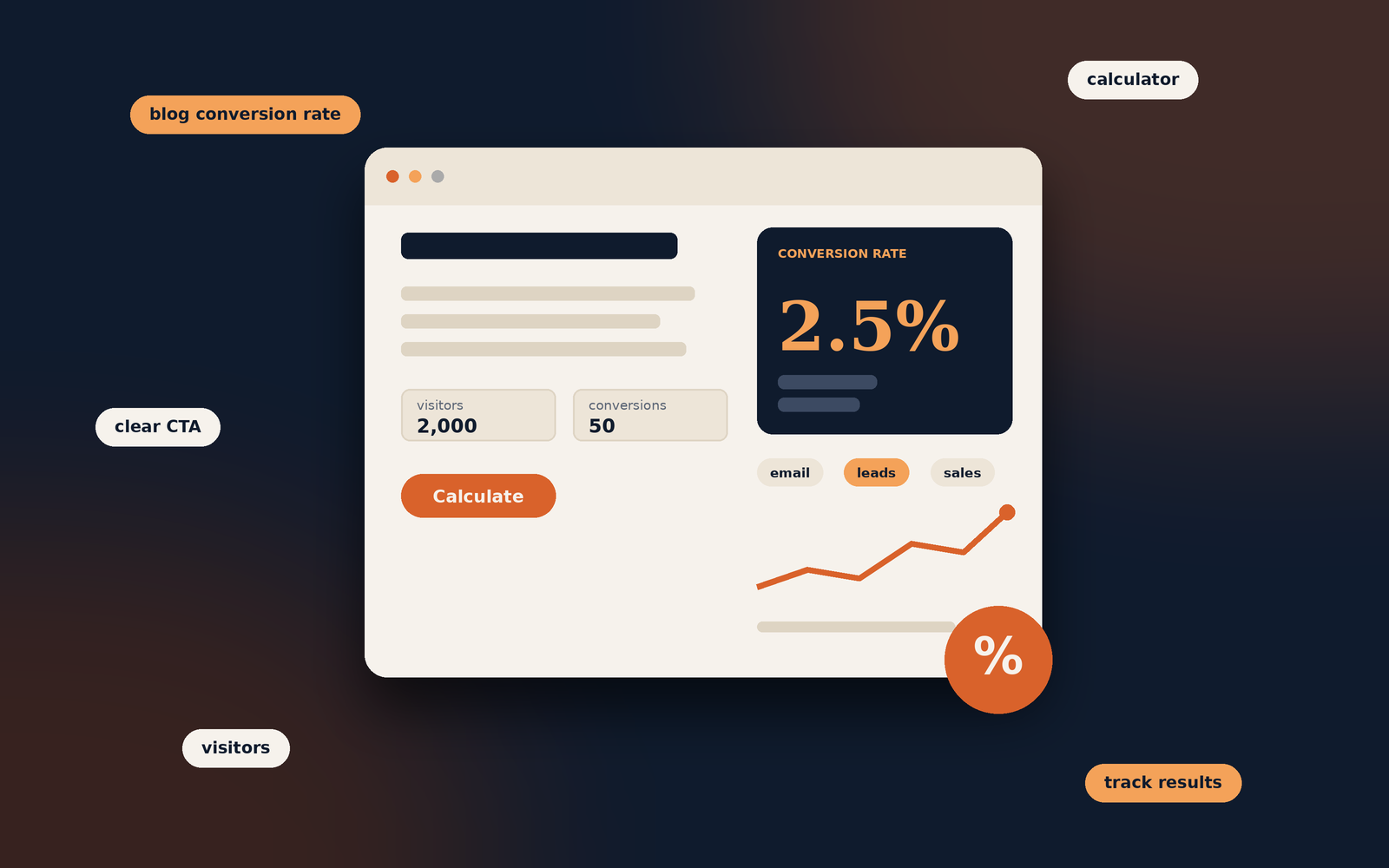
A blog article receives 2,000 visitors during a month. Of those visitors, 50 complete a newsletter subscription.

(50 ÷ 2,000) × 100 = 2.5%

The article's visitor-based newsletter conversion rate is 2.5% for that period.

Try the blog conversion calculator

Enter your own figures to calculate a simple conversion rate.

Calculated conversion rate2.50%50 conversions from 2,000 visitors or sessions.

This calculator uses the figures you enter. It does not connect to your analytics account.

Some reports calculate conversion rate using sessions, while others use users or visitors. These methods can produce different results. Choose the measurement that fits your reporting setup and use it consistently. Do not compare rates calculated from different denominators as if they were identical.

What Counts as a Blog Conversion?

A conversion is not limited to a purchase. It can be any meaningful action that supports the goal of the article, website or business.

  • Email subscriptionsA reader signs up to receive newsletters, updates or new articles.
  • Enquiry submissionsA potential customer completes a contact form or requests a consultation.
  • DownloadsA visitor downloads a guide, checklist, template or other resource.
  • PurchasesA reader buys a product or service after visiting relevant content.
  • Course registrationsA prospective learner registers for a course or requests course information.
  • Affiliate actionsA visitor clicks a tracked affiliate link or completes a qualifying purchase.

Not every action has the same value. An email subscription may be an early step in a customer journey, while a completed purchase is a direct sale. Decide which outcomes matter and report them separately rather than combining unrelated actions into one figure.

Why Is Blog Conversion Rate Important?

Conversion rate adds context to traffic data. It helps you understand whether a blog post is doing more than attracting visits and whether the page is guiding readers towards a useful next step.

  • Evaluate content performance: Identify articles that generate subscriptions, enquiries or sales, not just page views.
  • Find improvement opportunities: A popular post with few conversions may need a clearer next step or a better match between its content and offer.
  • Understand reader behaviour: Compare the actions taken by visitors who arrive on different articles or from different channels.
  • Support business objectives: Connect content activity with outcomes such as qualified leads, registrations and revenue.
  • Prioritise your work: Focus testing and updates on pages where an improvement could make a meaningful difference.

A low conversion rate does not automatically mean that an article is poor. Some posts are designed to answer a question fully, build awareness or introduce a topic. Their value may not appear as an immediate form submission or purchase.

How to Improve Your Blog Conversion Rate

Improving conversions is not simply a matter of adding more buttons. The page needs to attract the right readers, meet their expectations and make the next step relevant and easy to complete.

1. Match the content to the reader's intent

Understand why someone is visiting the article. A person looking for a basic definition may not be ready to request a sales consultation. A visitor comparing services, however, may appreciate a clear route to an enquiry page.

Make sure the offer or call to action fits the stage of the reader's journey. A relevant resource or related article can be more appropriate than an immediate sales message.

2. Use clear calls to action

A call to action (CTA) tells readers what they can do next. Use direct wording that explains the benefit or outcome, such as “Download the checklist” or “View the course details”. Avoid vague labels that do not explain what happens after the click.

Place CTAs where they make sense in the article. A relevant prompt near the end may work well, while a short contextual link can help readers who are ready to take the next step earlier.

3. Make the offer relevant to the article

Connect the next step to the subject the reader is exploring. A post about planning a blog might offer a content calendar template. An article explaining a service could link to a related service page or enquiry form.

4. Improve readability and page structure

Use descriptive headings, focused paragraphs and clear explanations. Readers should be able to understand the article and find the relevant CTA without struggling through a dense page. Good formatting supports the experience, but it should not interrupt the content.

5. Make the page work well on mobile

Check that text is comfortable to read, forms are easy to complete and buttons are large enough to tap. Test the complete journey on a phone, including any confirmation page or follow-up step.

6. Reduce unnecessary friction

Only ask for information you genuinely need. A long form can discourage people who are interested but not ready to provide extensive details. Make form labels clear, explain required fields and show a helpful confirmation after submission.

7. Build trust before asking for action

Give readers enough information to make an informed decision. Explain what they will receive, make pricing or service details clear where relevant, and use accurate testimonials or evidence only when you can verify them. Avoid exaggerated claims and misleading urgency.

8. Test changes rather than guessing

Try one meaningful change at a time, such as revising a CTA label, moving a form or improving the explanation of an offer. Compare results over a suitable period and account for changes in traffic sources, seasonality and audience mix.

Keep the reader experience first

A conversion improvement is worthwhile when it helps the right reader take a relevant action. Avoid intrusive pop-ups, misleading buttons or pressure tactics that may damage trust.

How to Measure Blog Conversions

Use an analytics setup that records the actions you have defined as conversions. Google Analytics 4 can report events and key events, while form tools, ecommerce platforms and email services may provide additional records that help validate the results.

Set up meaningful events

Identify the action you want to measure, such as a successful form submission, newsletter sign-up or purchase. Configure the relevant event and mark it as a key event in GA4 when it represents an important business outcome. Make sure the event fires when the action is completed, not merely when someone clicks a button.

Review performance by article

Look at which landing pages contribute to the conversions you care about. Compare articles with similar purposes and audiences. A high-traffic informational article may behave differently from a product comparison post, so avoid treating every page as if it has the same job.

Use a consistent reporting period

Compare equivalent periods and check whether traffic volume or source mix has changed. A rate based on a small number of visitors can fluctuate considerably, so consider the number of conversions as well as the percentage.

For setup instructions, consult Google's GA4 event documentation and its guidance on key events. The exact reports available can depend on your property's configuration.

Common Blog Conversion Rate Mistakes

  • Counting every click as a conversion: A button click does not always mean the intended action was completed. Track successful outcomes where possible.
  • Using inconsistent calculations: Do not switch between users, visitors and sessions when comparing rates without explaining the difference.
  • Focusing only on the percentage: Review the number and quality of conversions, not just the rate.
  • Expecting every article to sell: Some content supports awareness, education or research rather than an immediate transaction.
  • Adding irrelevant CTAs: A generic offer may not fit the reader's reason for visiting the page.
  • Making several changes at once: If you change the headline, layout, CTA and form together, it becomes harder to understand what influenced the result.
  • Ignoring tracking errors: Test events and forms to confirm that conversions are recorded accurately.

Frequently Asked Questions

There is no universal conversion rate that is considered good for every blog. Results depend on the action being measured, the audience, the topic, traffic source, offer and website experience. Compare similar pages and track changes against your own baseline.

No. Conversion rate measures the proportion of visitors or sessions that complete a defined action. Bounce rate in GA4 is based on the proportion of sessions that are not engaged. They describe different aspects of website behaviour.

Yes. A page can convert a relatively high proportion of a small audience. However, the total number of conversions may still be low. Consider both traffic volume and conversion rate when assessing performance.

A relevant next step can be helpful, but it does not need to be a sales CTA. Depending on the article, you might suggest a related guide, invite readers to subscribe or simply allow them to finish reading without interruption.

Configure events for meaningful completed actions, test that they are recorded correctly and mark important events as key events in GA4. You can then review the relevant reports and landing pages. Follow Google's current documentation for your specific setup.

SEO can influence which people discover your content and how well the page matches their search intent. Relevant organic traffic may be more likely to take a suitable next step, but rankings alone do not guarantee conversions. The offer and page experience also matter.

Wrapping up

Make each visit count. Blog conversion rate helps you understand whether readers are taking actions that support the purpose of your content. Define meaningful conversions, measure them consistently and improve the page in ways that make the next step clearer and more useful.

Keep improving your blog content

Explore Blog Readability: How to Make Content Easier to Read for practical ways to make your articles clearer and easier to follow.

Tagged in

Categories

Written by

Keshera Wijeyesekera

I write Interesting to Read, a blog on all kinds of topics worth your time. Outside of the blog, I work in SEO and digital marketing.

More about me  ·  LinkedIn  ·  Get in touch

Share with