Blogging · Website Experience
Why Blog Design Matters
A blog is more than a collection of articles. Its design influences how people discover content, read your posts and decide whether your site is worth returning to.
Practical guide · 8–10 min read
Design with readers in mind
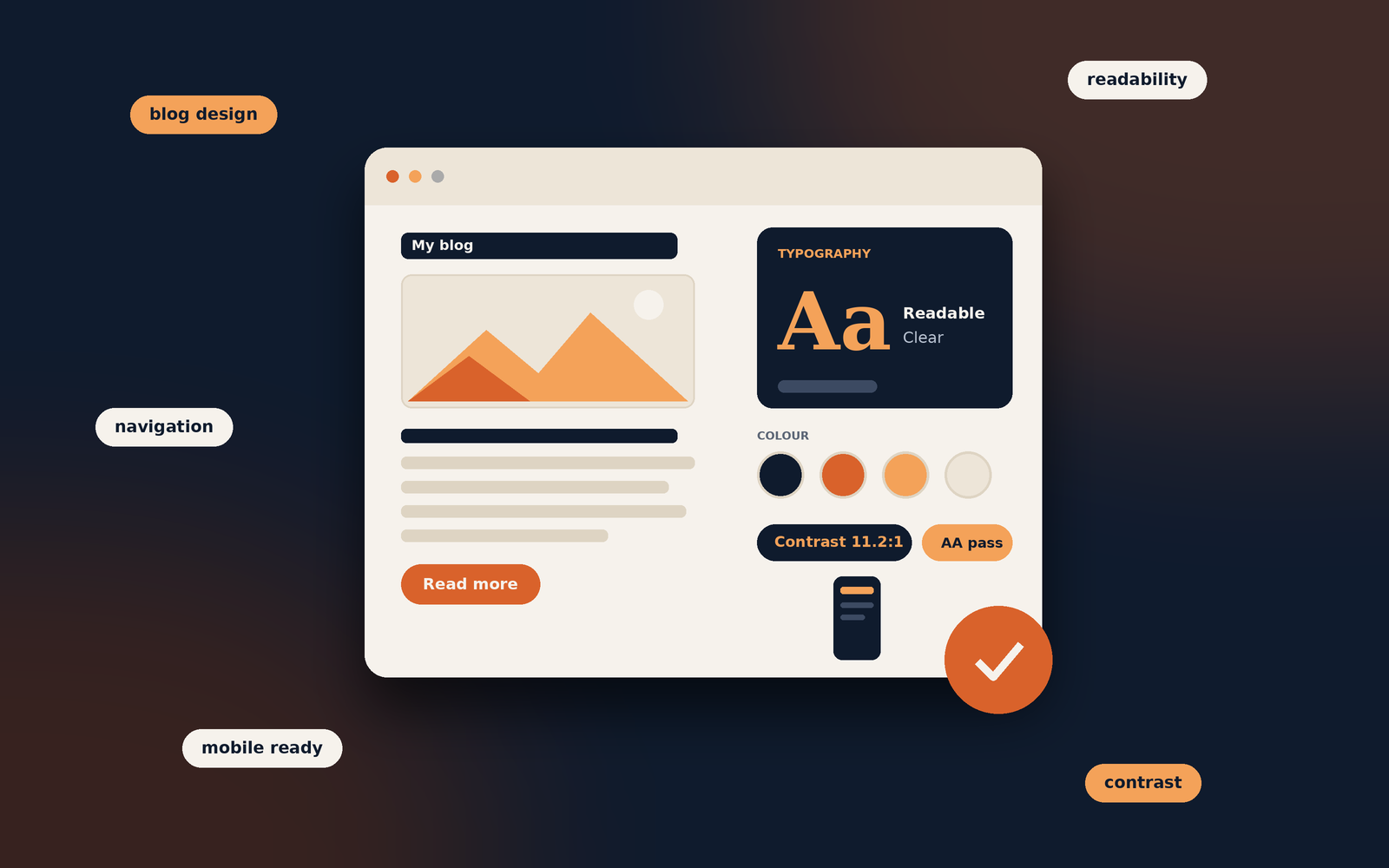
Good design makes content easier to read, find and trust. It should support the writing, not compete with it.
When someone visits a blog, the design is often the first thing they notice. Before reading a single paragraph, visitors form an impression based on the layout, colours, typography, spacing and overall presentation.
Good blog design does not mean adding complicated effects or making every page look elaborate. It means creating a clear, comfortable experience that helps readers find information and focus on the content. A well-designed blog supports the writing rather than competing with it.
Whether you run a personal blog, a niche website or a business publication, the way your content is presented can influence reader satisfaction, engagement and the long-term growth of your site.
First impressions influence whether visitors stay
Visitors make quick judgements about a website. A cluttered layout, inconsistent colours, outdated elements or difficult-to-read text can make a blog appear neglected. Even useful articles may be overlooked if the presentation does not encourage people to explore.
A clean design gives readers confidence that the website is organised and that its content is worth their time. This does not require an expensive theme. A simple layout, clear headings, consistent spacing and relevant imagery can make a meaningful difference.
Keep in mind
Design should make the value of your content easier to recognise. It should not distract visitors with unnecessary visual effects.
Readability makes articles easier to consume
Blog readers often scan a page before deciding which parts to read closely. Long blocks of text, tiny fonts and weak contrast make this process tiring. Good design breaks information into manageable sections and creates a comfortable reading rhythm.
- 01 · TypographyChoose readable fontsUse clear typefaces and a comfortable font size. Avoid decorative fonts for long paragraphs.
- 02 · SpacingGive content roomUse enough line height, paragraph spacing and margins to prevent the page feeling crowded.
- 03 · StructureUse meaningful headingsOrganise ideas with descriptive H2 and H3 headings so readers can scan the article.
- 04 · ContrastMake text distinctEnsure text stands out clearly from its background in both desktop and mobile layouts.
Try it yourself
Style a mini blog post. Choose a colour theme, typeface, text size and line spacing, then check the contrast score and notes underneath the preview.
Readers decide quickly whether a page feels easy to read. Colour, typeface, size and spacing all shape that first impression, long before anyone reaches your conclusion.
Notice how this paragraph feels as you change each setting.
Read the guide- Serif type feels traditional and works well for long reading at a comfortable size.
- Sans-serif type is clean and widely used on screens, which makes it a safe choice for body text.
- Decorative fonts are hard to read in paragraphs. Save them for a logo or a short heading, if you use them at all.
- 14px is small for body text on most screens. Many readers will have to squint or zoom.
- Around 18px is a comfortable body size for most blogs.
- Large text is easy to read, but very large body text can make an article feel long.
- Tight line spacing makes lines run together and slows reading.
- A line height of about 1.6 to 1.8 gives text room to breathe.
- Very loose spacing can break up the flow, so sentences feel disconnected.
Lists, tables, short examples and relevant images can also make complex topics easier to understand. Use them when they genuinely improve the explanation, not simply to decorate the page.
Clear navigation helps readers discover more content
A blog may contain dozens or hundreds of articles. Without clear navigation, visitors can struggle to find related topics or return to useful sections. A well-organised menu, sensible categories, search function and related-post links make the site easier to explore.
Keep the main navigation focused. Categories should describe meaningful groups of content rather than every small variation of a topic. Within an article, a table of contents can help readers jump directly to the information they need, especially on longer guides.
Mobile-friendly design is essential
Many people browse blogs on phones and tablets. A page that looks attractive on a large monitor can become frustrating on a smaller screen if the text is too small, columns are cramped or menus are difficult to use.
Responsive design adapts the layout to different screen sizes. Text should remain readable without zooming, images should fit their containers, and buttons and links should be easy to tap. Test important pages on an actual phone where possible, not only by resizing a desktop browser.
Blog design supports SEO and usability
Design is not a direct replacement for good SEO fundamentals, but it can support the experience that search engines aim to reward. A logical page structure helps visitors and search engines understand the content. Clear headings, descriptive internal links, accessible navigation and mobile usability all contribute to a better website experience.
Page speed also matters. Large images, unnecessary scripts, excessive animations and poorly configured plugins can slow a site down. Optimise images, remove features that do not add value and choose a layout that works efficiently.
Important distinction
An attractive design alone will not guarantee higher rankings. Useful content, relevance, technical health and a good overall page experience still matter.
Consistency makes a blog feel organised
Using the same visual language across the website helps readers understand how it works. Keep colours, heading styles, buttons, image treatments and spacing reasonably consistent. Article pages should follow a familiar structure so visitors do not have to relearn the layout every time they open a new post.
Consistency does not mean every page must look identical. Landing pages and special features can have their own layouts, provided they still feel like part of the same website.
Good design encourages engagement and action
Depending on the purpose of your blog, you may want visitors to read another article, subscribe to a newsletter, leave a comment, contact you or explore a product. Design can make these next steps easier to notice and understand.
Place relevant calls to action where they make sense. Related articles near the end of a post can help readers continue exploring. A simple newsletter form may work better than several intrusive pop-ups. The goal is to guide visitors without interrupting their reading experience.
Common blog design mistakes to avoid
- Too many visual elements: banners, animations and pop-ups can compete with the article.
- Overcomplicated navigation: too many menu items make it harder to find important sections.
- Inconsistent formatting: changing fonts, colours and spacing from page to page weakens the overall experience.
- Unoptimised images: large files can slow down page loading.
- Ignoring mobile users: a layout that only works on desktop excludes a large part of the audience.
- Designing for appearance alone: visual choices should support the content and the reader's needs.
A practical blog design checklist
Use this quick checklist when reviewing your website. Tick each item as you confirm it.
0 of 8 checked
Frequently Asked Questions
Blog design can support SEO by improving usability, mobile experience, navigation, content structure and page performance. However, design alone does not guarantee better search rankings.
There is no single element that matters in every situation. Readability, clear navigation, responsive layouts and a logical content structure are strong foundations for most blogs.
No. A free or premium theme can work well if it is maintained, responsive, accessible and flexible enough for your needs. The quality of the implementation matters more than the price of the theme.
Conclusion
Blog design matters because it shapes the way people experience your content. A clear, readable and responsive layout helps visitors find information, stay focused and explore more of your website. It also supports important website goals such as engagement, accessibility and SEO.
You do not need an elaborate design to create a successful blog. Start with the essentials: readable typography, sensible navigation, consistent formatting, fast-loading pages and a layout that works on mobile devices. When design decisions are made with readers in mind, the entire blog becomes more useful.
Keep improving your blog
Once your design is working for readers, see how they actually use it with Google Analytics: A Practical Guide to Understanding Your Website.
Tagged in
Categories
Written by
Keshera Wijeyesekera
I write Interesting to Read, a blog on all kinds of topics worth your time. Outside of the blog, I work in SEO and digital marketing.