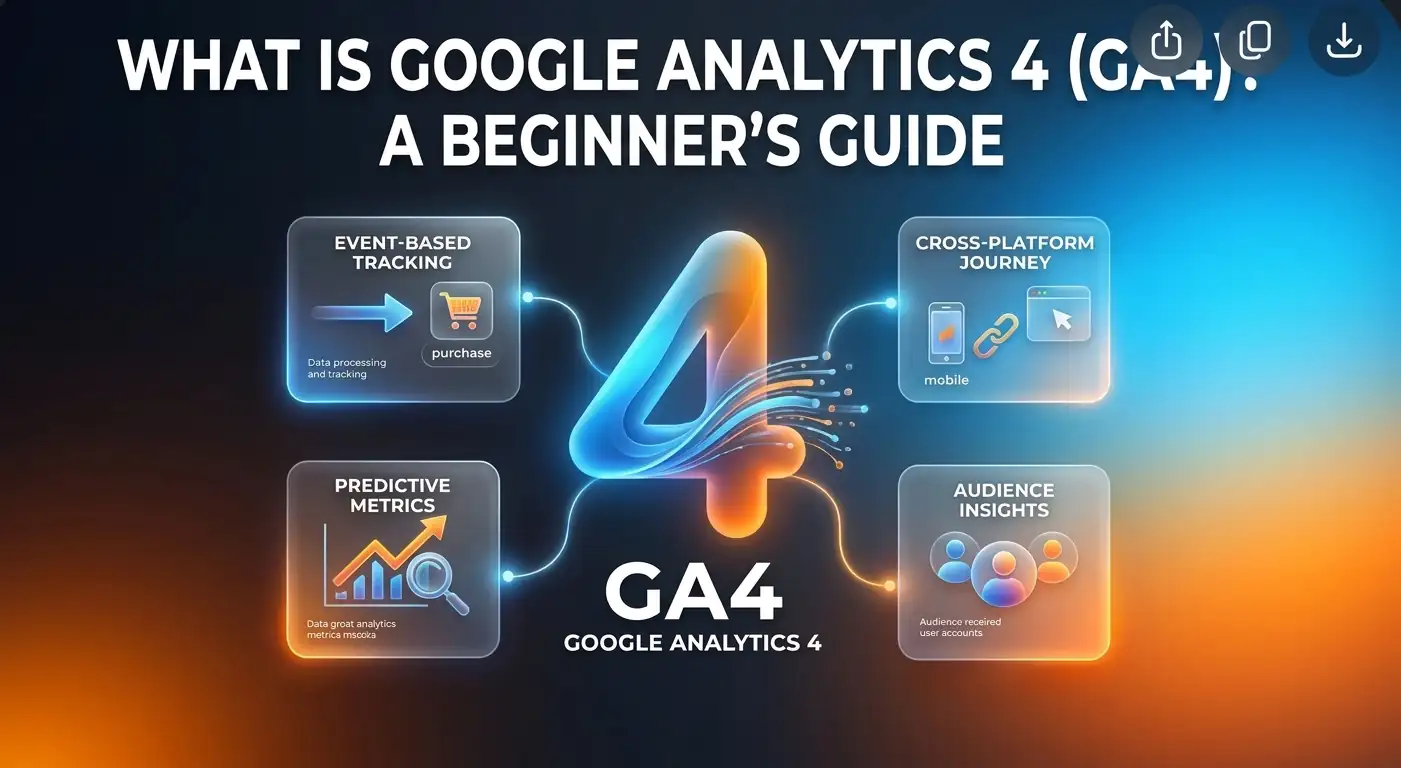
Digital Analytics · Beginner's Guide
What Is Google Analytics 4 (GA4)?
Google Analytics 4 helps you understand how people find and use your website. This guide explains how GA4 works, which reports and metrics matter, and how to use its data to make better website and SEO decisions.
Beginner-friendly guide · 10 min read
Start with purpose
GA4 is most useful when you decide which outcomes matter first, then check that your tracking records them accurately.
Google Analytics 4 (GA4) is Google's analytics platform for measuring activity across websites and apps. It records interactions as events, allowing you to examine how visitors arrive, what they do, and whether they complete important actions.
What Is Google Analytics 4?
Google Analytics 4, commonly known as GA4, is a web and app analytics platform developed by Google. It helps website owners, marketers and businesses understand how people discover and interact with their digital properties.
For example, GA4 can help you find out how many people visited your website, which channels brought them there, what pages they viewed, how long they engaged with your content, and whether they completed actions such as submitting a form or making a purchase.
GA4 replaced Universal Analytics as Google's main analytics platform. Its measurement model is built around events rather than relying primarily on sessions and pageviews. This makes it possible to measure a wider range of interactions in a consistent way across websites and apps.
Simple definition
Google Analytics 4 is a tool that collects and organises data about visitor interactions so you can understand website performance and make informed decisions.
How Does Google Analytics 4 Work?
GA4 collects information when people interact with a website or app. A measurement tag, usually installed directly or through Google Tag Manager, sends event data to a GA4 property. Google Analytics then processes that information and makes it available through reports and explorations.
Imagine someone discovers a blog post through Google Search. They open the article, scroll through it, click an internal link and later submit a contact form. Depending on the tracking configuration, GA4 can record these interactions as separate events.
This event-based approach is central to understanding GA4. Instead of treating every interaction as part of a pageview, the platform records individual actions with relevant details, known as event parameters.
Events, users and sessions
- Events: Individual interactions, such as a page view, scroll, click or purchase.
- Users: People or user identities recognised by the analytics property, subject to the available identifiers and reporting settings.
- Sessions: Groups of interactions that take place during a period of activity on the website or app.
Important distinction: GA4 does not automatically track every action a visitor could take. Some events are collected automatically, while others need to be enabled, configured or implemented.
Understanding Events in GA4
Events are the foundation of GA4 measurement. Google groups them into several types, depending on how they are collected and what they are intended to measure.
- 01 · AutomaticAutomatically collected eventsCollected when the GA4 tag is installed, such as session_start and first_visit.
- 02 · OptionalEnhanced Measurement eventsOptional interactions that can be measured through settings, such as scrolls, outbound clicks and site searches.
- 03 · SuggestedRecommended eventsEvents Google suggests for common business activities, such as generate_lead or purchase.
- 04 · BespokeCustom eventsEvents created to measure interactions specific to a website or business.
For an online shop, a useful event setup might include product views, adding items to a cart, beginning checkout and completing a purchase. For a service website, important events could include form submissions, telephone link clicks or requests for a quotation.
It is worth planning an event structure before implementing tracking. Clear event names and consistent parameters make reports easier to understand and maintain.
Main Features of Google Analytics 4
1. Realtime reporting
The Realtime report shows activity taking place on your website or app within a recent time window. It can be useful when checking whether tracking is working, reviewing a new campaign or observing activity shortly after publishing content.
2. Acquisition reports
Acquisition reports help you understand where visitors come from. You can examine traffic sources and channels such as organic search, direct, referral, email, paid search and social. These reports are useful for comparing how different marketing activities contribute to website traffic.
3. Engagement reports
Engagement reports provide information about the pages and screens people view, the events they trigger and how they interact with your website. They can help identify content that attracts attention and areas where visitors are not engaging as expected.
4. Key events
Key events are events that matter to your business. Examples include purchases, completed enquiry forms, registrations and other valuable actions. Marking relevant events as key events helps you focus reporting on outcomes rather than traffic alone.
5. Explorations
Explorations provide more flexible ways to investigate data. You can build analyses to examine user journeys, compare segments, identify where people leave a process and explore relationships that are not immediately obvious in standard reports.
6. Audience and user analysis
GA4 can help you examine groups of users based on dimensions and behaviours, subject to consent, privacy settings and available data. This can support more detailed analysis of how different audiences interact with your website.
7. Google Ads integration
When linked with Google Ads, GA4 can support analysis of advertising activity alongside website behaviour. Depending on configuration, this can help advertisers understand what happens after someone clicks an ad and use relevant conversion data in their campaigns.
Important GA4 Metrics to Understand
GA4 includes many metrics, but beginners can start with a small group that helps explain traffic, engagement and outcomes.
| Metric | What it tells you |
|---|---|
| Users | The number of users recognised in the selected reporting context. |
| Sessions | The number of sessions started on your website or app. |
| Views | The number of page and screen views, including repeat views. |
| Engaged sessions | Sessions that lasted longer than 10 seconds, included a key event, or had at least two page or screen views. |
| Engagement rate | The percentage of sessions that were engaged sessions. |
| Average engagement time | The average time your website or app was actively in focus for users. |
| Key events | The number of times events marked as important for your business occurred. |
| Event count | The total number of times events were triggered. |
Metrics should be interpreted in context. A high number of views does not necessarily mean a page is successful, and a low engagement rate does not automatically mean the content is poor. Consider the page's purpose, traffic source, audience and intended action before drawing conclusions.
How Can You Use GA4 for SEO?
Google Analytics 4 can support SEO analysis by showing what visitors do after arriving at your website through organic search. It does not provide a complete picture of your search visibility, but it can help you evaluate how organic visitors interact with your content.
- Review organic search traffic: Use acquisition reports to examine traffic attributed to organic search and compare it with other channels.
- Identify useful landing pages: Find the pages receiving organic visits and examine engagement and key events.
- Assess content outcomes: Check whether important articles lead to further page views, enquiries, sign-ups or other relevant actions.
- Compare periods: Look for changes in organic traffic and engagement over time, while accounting for seasonality and marketing activity.
- Investigate user journeys: Explore which pages visitors view after landing on an article or service page.
A practical SEO example: If an article receives a steady flow of organic visitors but very few people continue to related pages, you could review its internal links, calls to action and content structure. GA4 can reveal the behaviour pattern, while a content review helps determine what to change.
Google Analytics 4 vs Google Search Console
GA4 and Google Search Console are both valuable for SEO, but they measure different parts of the user journey. They are complementary tools rather than alternatives.
| Google Analytics 4 | Google Search Console |
|---|---|
| Measures activity on your website or app. | Measures how your website performs in Google Search. |
| Reports users, sessions, events and engagement. | Reports clicks, impressions, click-through rate and average search position. |
| Helps analyse what visitors do after arriving. | Helps analyse how people find and click through to your pages in Google Search. |
| Useful for understanding on-site behaviour and conversions. | Useful for understanding search visibility, queries, indexing and search-related issues. |
For example, Search Console can show that a page receives impressions for a particular search query and how many clicks it attracts. GA4 can then help you understand what visitors do after landing on that page. Used together, the tools provide a more complete view of organic search performance.
How to Get Started with Google Analytics 4
Setting up GA4 involves creating an Analytics property, adding a data stream and installing the measurement tag on your website. The exact steps can vary depending on your content management system and tracking setup.
- Create or access a Google Analytics account
Sign in with the Google account you want to use to manage analytics. - Create a GA4 property
Enter the property details, including its name, reporting time zone and currency. - Add a web data stream
Enter your website address and configure the stream settings. - Install the Google tag
Add the tag to your website directly or use Google Tag Manager. Some platforms offer built-in integrations. - Check data collection
Use Realtime reporting and, where appropriate, DebugView to confirm that events are being received. - Configure important events
Decide which interactions matter and implement or mark the relevant events accordingly. - Review privacy and consent requirements
Make sure your analytics setup follows applicable privacy laws and your organisation's consent requirements.
Basic GA4 setup checklist
Tick off each step as you complete it.
0 of 6 checked
If you use Google Tag Manager, you can manage many tracking tags from one place without repeatedly editing your website's code. However, the container and tags still need to be configured and tested correctly.
Common Google Analytics 4 Mistakes
Tracking without a clear measurement plan
Installing GA4 is only the first step. If you do not decide what matters to your business, you can end up with reports full of data that does not support useful decisions. Identify the outcomes you want to measure before configuring events.
Assuming every event is collected automatically
Some events require Enhanced Measurement to be enabled, while others need recommended or custom event configuration. Test important interactions rather than assuming they are being tracked.
Ignoring duplicate or inaccurate tracking
Installing the Google tag in multiple places can sometimes cause duplicate events or pageviews. Review your implementation and test it after changes to your website or tag configuration.
Focusing only on traffic volume
More visitors are not always better. Consider whether the traffic is relevant and whether users complete meaningful actions. A smaller number of qualified visitors can be more valuable than a large amount of low-intent traffic.
Comparing data without checking the context
Changes in consent, tracking configuration, reporting identity, filters, seasonality or marketing campaigns can affect the figures you see. Check for these factors before treating a change in a report as a real change in user behaviour.
Is Google Analytics 4 Free?
Google Analytics offers a free version that is suitable for many websites and businesses. Google also offers Google Analytics 360, a paid enterprise offering designed for organisations with more demanding analytics requirements, service needs and data limits.
Most small websites, blogs and many growing businesses can begin with the standard version. The right option depends on your organisation's data volume, governance requirements, integrations and need for enterprise-level support.
Frequently Asked Questions
GA4 stands for Google Analytics 4, Google's analytics platform for measuring activity across websites and apps.
The basics are manageable for beginners, especially if you start with acquisition, engagement and key event reports. More advanced tracking and Explorations require additional practice.
No. GA4 collects certain events automatically, but other interactions need Enhanced Measurement settings, recommended events or custom implementation. Tracking also depends on consent and technical configuration.
Yes. GA4 helps you analyse what visitors do after arriving from organic search, including the pages they view, their engagement and whether they complete important actions. Use Search Console for search queries, impressions and clicks.
Conclusion
Google Analytics 4 gives website owners and marketers a way to understand how people discover and interact with their websites and apps. Its event-based measurement model provides insight into traffic sources, page activity, engagement and important business outcomes.
You do not need to learn every report or feature at once. Start by checking where visitors come from, which pages they use and whether they complete the actions that matter. As your understanding improves, you can build a more detailed measurement plan and use Explorations to investigate specific questions.
For SEO, remember that GA4 and Google Search Console answer different questions. Combining their insights can help you understand both how people find your content and what they do after arriving.
Further Reading
Tagged in
Categories
Written by
Keshera Wijeyesekera
I write Interesting to Read, a blog on all kinds of topics worth your time. Outside of the blog, I work in SEO and digital marketing.